Hold the front steady
Use soft light and a plain, contrasting background. Allow camera access and keep all four corners in view. Capture happens once the card outline is stable and the image is sharp enough.
 CardNomi
Capture the front and back automatically. Review centering, corner details and a photo-based grade estimate before you decide what to submit.
One welcome report credit with a new account. Photo-based estimates, never official grades.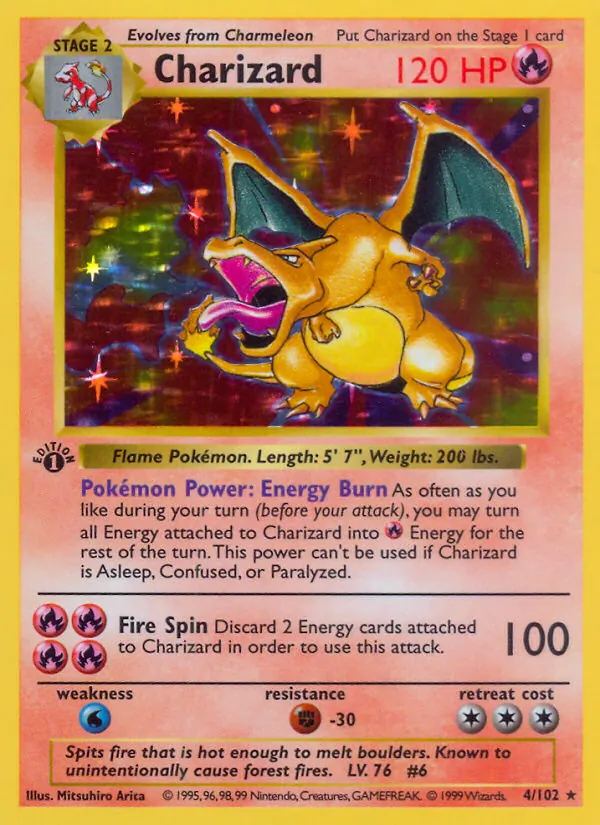
Catalog artwork · illustration of the scanner
Your original photos provide the condition evidence.
Use soft light and a plain, contrasting background. Allow camera access and keep all four corners in view. Capture happens once the card outline is stable and the image is sharp enough.
A green highlight confirms capture. Flip the same card when prompted, then hold steady again. You can also upload existing photos and add angled views for surface details.
See the estimated grade range, approximate front and back centering, condition observations and eight magnified corner views. Unclear evidence gets retake guidance.
Use the report to organize visible evidence, compare grading approaches and decide which cards deserve closer physical inspection.
Read how AI pre-grading works ↗Front and reverse left/right and top/bottom ratios, without manual sliders. Perspective and unusual borders can limit what a photo can measure.
Learn about card centering →Choose analysis informed by public PSA, TAG, BGS or CGC guidance. CardNomi is independent and does not award their certifications.
Compare the grading guidance →Match the card to its set and printing for catalog artwork, available price references, and an ownership checklist.
Look up Pokémon card prices →Background removal is for presentation. Reports retain the originals, and corner crops enlarge existing image detail without repairing the card.
Get better card photos →No. CardNomi provides a photo-based estimate, observations and a range of uncertainty. Photos can hide dents, fine scratches, alteration or counterfeit features. Only the chosen grading company can issue its official grade after inspection.
Open CardNomi in a modern browser, sign in and allow camera access. The camera can capture both sides automatically. Photo uploads are available when camera capture is unavailable or when you already have clear images.
A new collector account includes one welcome report credit. One completed, assessable report uses one credit. Additional reports are available through credit packs or the $9.99 USD monthly Unlimited membership. Failed or unassessable attempts do not consume report credits.
No. A catalog image identifies a printing but cannot show the condition of your physical copy. Upload or capture your own front and back photos for condition analysis.
Check centering, corners, edges and surface before a professional grading submission. Learn what to inspect and where photo estimates have limits.
Read the guide ↗FIELD GUIDE / 02Learn to check front and back centering, read border ratios and avoid common photo measurement errors.
Read the guide ↗FIELD GUIDE / 03Take clear front, back and angled card photos. Reduce glare, keep every corner visible and capture useful evidence of condition.
Read the guide ↗